
Photorealistic Renders, Live Inside SketchUp
Model in SketchUp and watch your render update as you work. Rayscaper runs on any Windows PC, no gaming graphics card needed. $99 once, no subscription.
Free renders up to 1280 px · Windows · SketchUp 2024–2026
Live Inside SketchUp
Rayscaper syncs your model, camera, materials, sun and Skatter objects as you work. No exporting, no second program to learn.
See It as You Model
The render updates the moment you move a wall, change a material or turn the camera. What you see while you work is the final image.
No Gaming GPU Needed
Rayscaper renders on the CPU, so it runs on laptops and office PCs. Have an NVIDIA card? Turn on GPU rendering for extra speed.
Photoreal Light
A path tracer simulates how light really bounces, for natural shadows, reflections and glow. The AI denoiser cleans up the image in seconds.
1,000+ Free Assets
Poly Haven materials and HDRI skies are built in. Drag a material onto the render or change the mood of a scene in one click.
Yours for $99
One payment, no subscription. Other SketchUp renderers cost $360 to $1,149 every year.
Made with Rayscaper
Renders by Rayscaper users and from our example scenes.
-
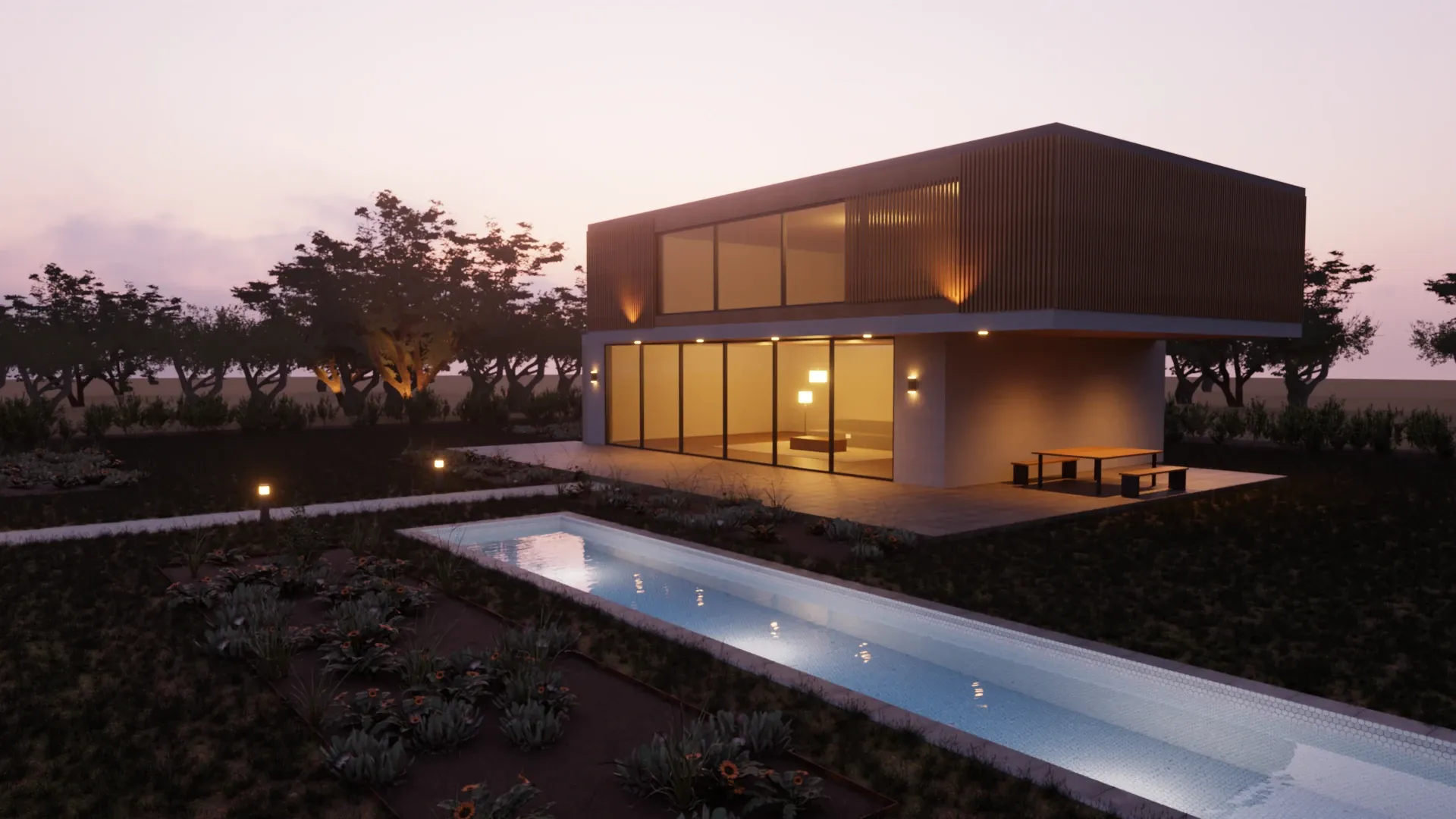
Villa at Dusk · Rayscaper example scene -
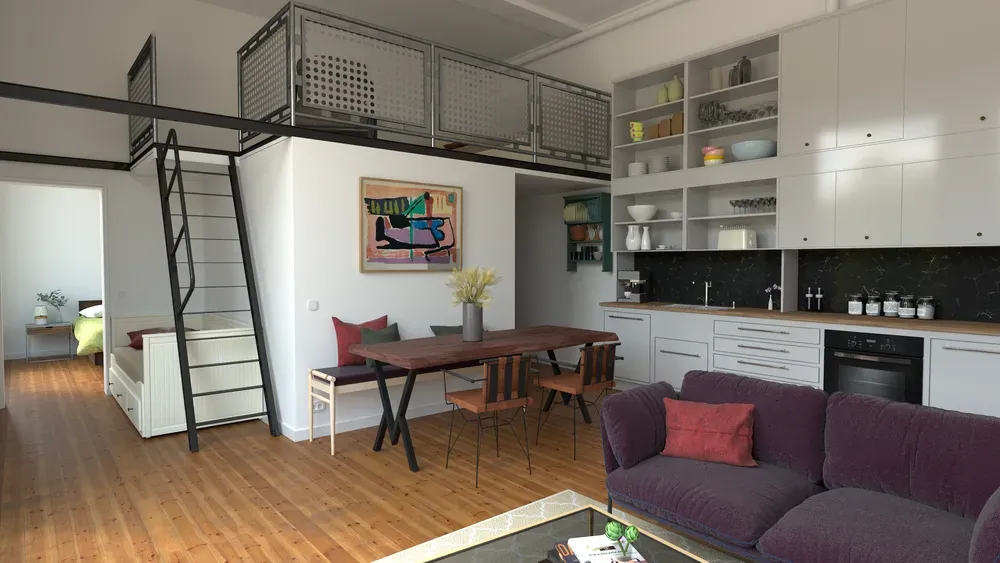
Loft Cuisine · Julien Fischel -
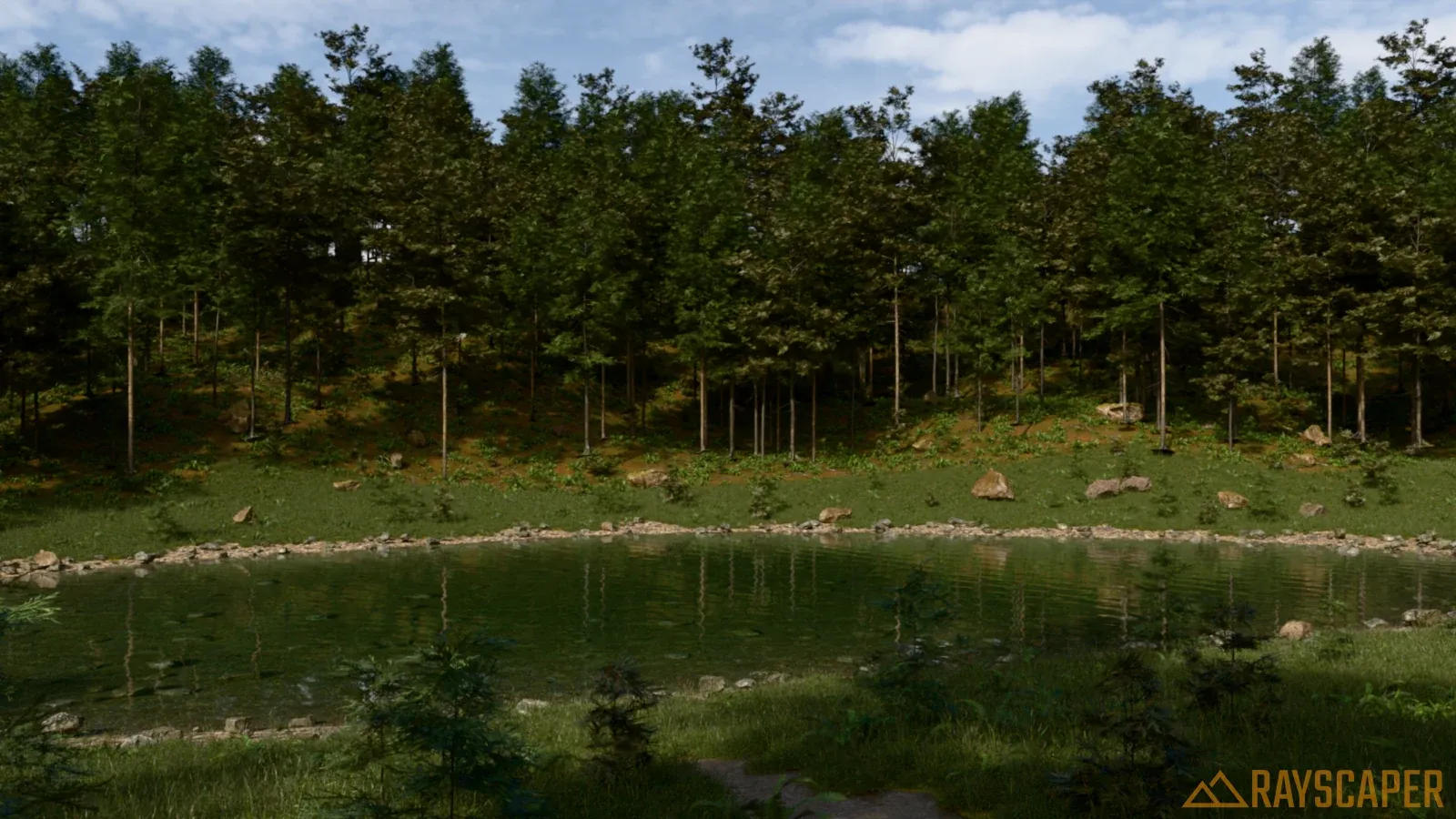
Forest Pond · Rayscaper example scene -
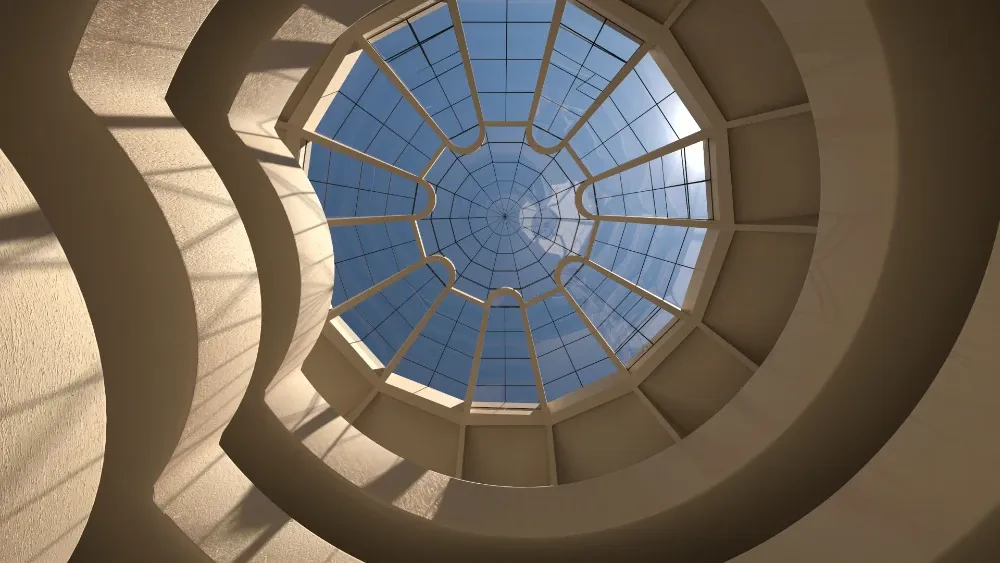
Guggenheim Museum New York · Rich O'Brien -
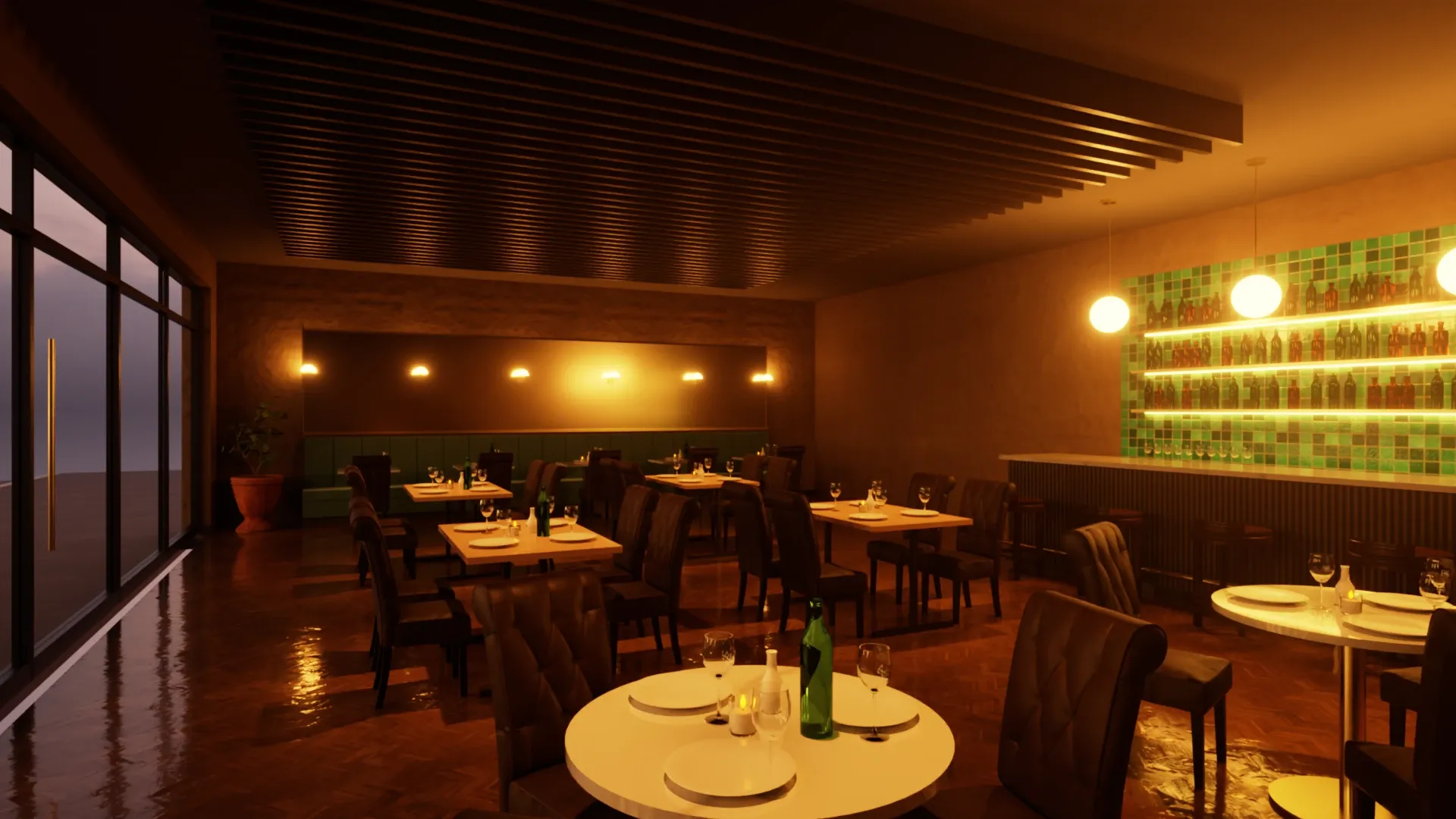
Bistro in the Evening · Rayscaper example scene -
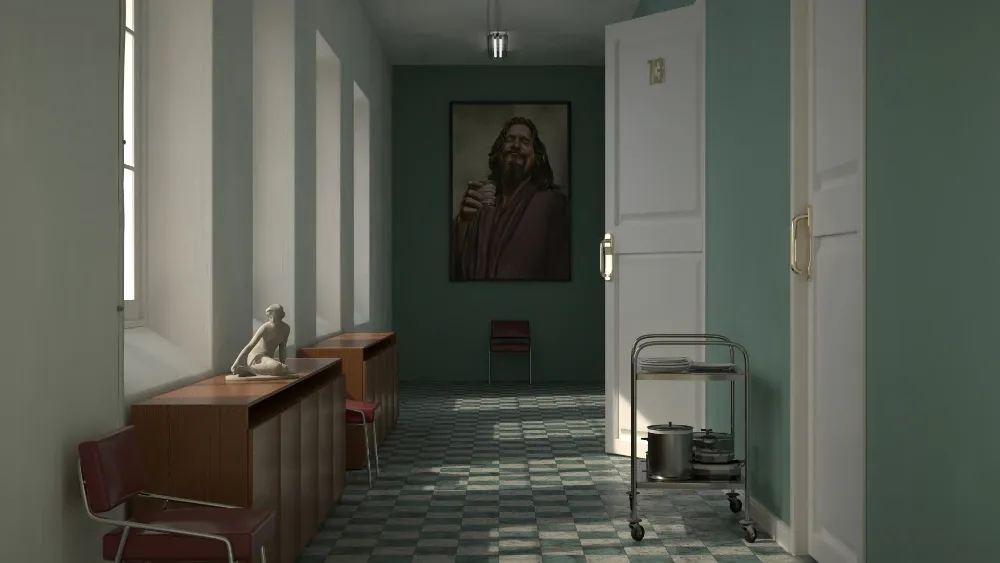
Hall Scene · Rich O'Brien -
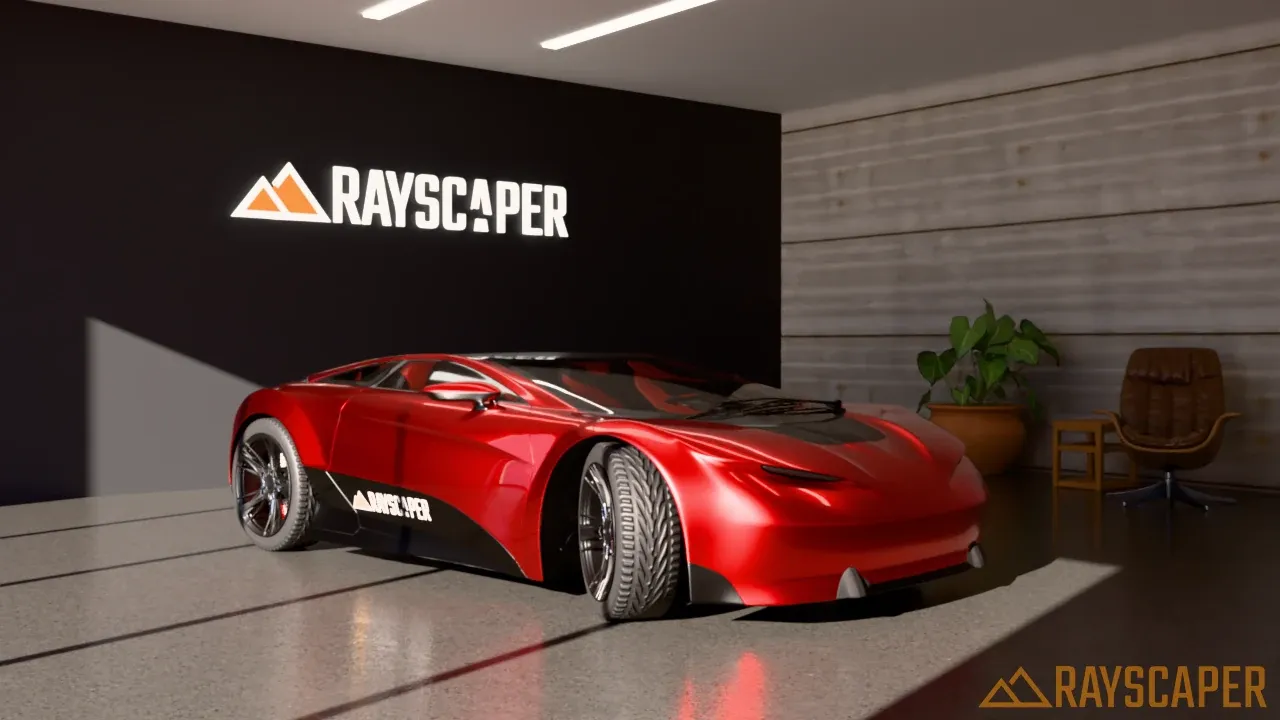
Car Showroom · Rayscaper example scene Car based on Car Concept by Eric Chadwick, © 2024 Darmstadt Graphics Group GmbH, CC BY 4.0 -
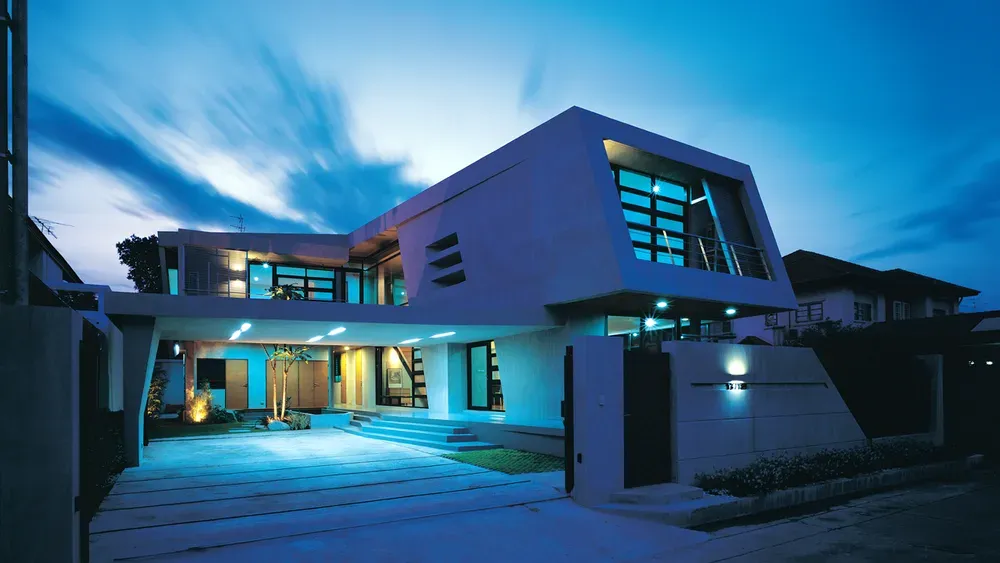
Exterior Scene · Majid Yeganegi
Other SketchUp renderers charge by the year
- Lumion Pro $1,149 every year
- Enscape ~$575 every year
- V-Ray ~$540 every year
- Rayscaper $99 once
See how Rayscaper compares with V-Ray, Enscape, Twinmotion, D5 Render and more
Pricing
- No watermark, commercial use allowed
- Render above 1280 px on the longest edge
- Keeps working forever, updates for one year
- Free upgrade to Rayscaper 1.x
- 1,000+ materials and HDRIs included
- CPU and NVIDIA GPU rendering, EXR export
14-day money-back guarantee
Checkout opens on SketchUcation, with a free account. SketchUcation Premium members pay $74.99.
Buying Rayscaper
Why does checkout open SketchUcation?
SketchUcation manages Rayscaper purchases, payment, license delivery, and customer account access.
Do I need SketchUcation Premium?
No. Premium is optional. Rayscaper is $99, or $74.99 for SketchUcation Premium members.
Can I get a refund?
Yes. If Rayscaper isn't right for you, email help@rayscaper.com within 14 days of your purchase for a full refund.
Where do I get my license?
Your purchase, download, and license access are managed through your SketchUcation account. You can manage your licenses on the SketchUcation licenses page.
Questions? Ask us.
Wondering whether Rayscaper suits your work, how licensing works, or whether your computer can run it? Send us a message and we'll reply by email.
That didn't work. Check your email address and message, then try again.
We only use your address to answer your message.